API access
To be able to access the information contained in SOFI through its API (Application Programming Interface), you must first create a user.
An access group with the necessary rights to access the information required by the API must be assigned to this user.
The representation of the name and password of an API user is done in the format “Access Key” and “Secret”.
NOTE : SOFI API users are subject to the same information access rights as other SOFI users according to the permissions of the associated access group.
API key creation
An API key and its secret exists only with a user account in the respective residence. The creation of a key is done in the user account to allow access to the API that gets the information.
Ideally the account is only used for the external application that retrieves the information.
API authentication keys can be created at the bottom of the user profile screen. In the “API Authentication Keys” section, the “plus”  allows the creation of the key and its secret.
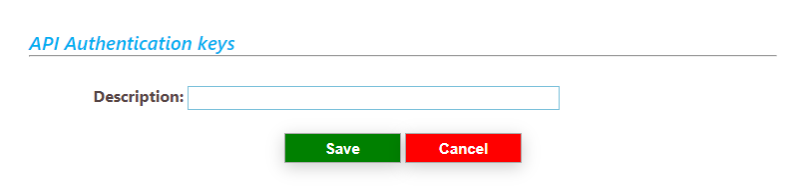 |
Adding a word in the description and saving creates the necessary information for API access.
The SOFI website address and these two pieces of information are required to allow an external application to access SOFI's information.
ex: **https://sitesofi.telemedic.ca**  \\
**Acces key: 7313A0C5IHUKNIFZQ8QA** \\
**Secret: tUiKGJDCcp27QpxpTUVPAGR7DaoVpMzE9JXaC1FA** \\
Copy this information and keep it in a safe place.